Do I need a credit card to try it?
No. The trial asks for an email address and a password, nothing else. There is no card on file to forget about and no automatic billing at the end — if you do nothing on day eight, nothing happens.
What happens to my takeoffs if I don’t buy?
They stay on your computer and they stay yours. Every Excel workbook and marked-up PDF you exported during the trial is an ordinary file you keep and can put straight on a live bid. The project files stay in your folder too — but reopening them inside Takeoff Studio needs a licence, so export what you need before the trial ends.
Is this a subscription?
No. The $499 is paid once. No renewal, no annual maintenance, no per-project or per-seat charge. If you never hear from us again, the software carries on working.
Will I have to buy it again for the next version?
No. Every v1 update is included at no cost. If there is ever a major new version it would be a separate and entirely optional purchase — and your v1 would keep working exactly as it does today.
Can I install it on my desk machine and my laptop?
Yes. One licence covers one estimator. Install it in both places and sign in with the same account.
Do my drawings get uploaded anywhere?
No. Measuring, calculating and exporting all happen on your computer. The app contacts our server for exactly one purpose — confirming your sign-in and your licence. Your plans never go anywhere, and we could not look at them if we wanted to.
We handle CUI on federal jobs. Can we use this?
Yes, and that is the case Takeoff Studio is built for. Controlled Unclassified Information is a problem for hosted takeoff software because NIST SP 800-171 requires any cloud service holding CUI to meet FedRAMP Moderate. Takeoff Studio holds nothing — your drawings, measurements and workbooks stay on your machine, and the only traffic is a sign-in and a licence check. It sits outside your CMMC boundary because your CUI never reaches us. The full detail is here.
Is Takeoff Studio CMMC certified?
No — and be wary of any vendor that says it is. CMMC certifies an organization, not a piece of software; there is no such thing as a CMMC-certified takeoff application. What we can tell you, precisely and in writing, is what the software transmits: your sign-in and a licence check, and nothing else. That is the statement your assessor actually needs. Ask us for it at info@proanalysiscorp.com.
Does it need an internet connection to work?
To sign in, yes. Once you have purchased, measuring and exporting work entirely offline — useful in a trailer or on a site with no signal. During the free trial the app does check in each time it opens, so keep a connection while you are trying it.
Do I need Excel installed?
Not to produce the workbook — Takeoff Studio writes the .xlsx file itself. You only need Excel, or any other spreadsheet, to open and price it afterwards.
What drawings will it open?
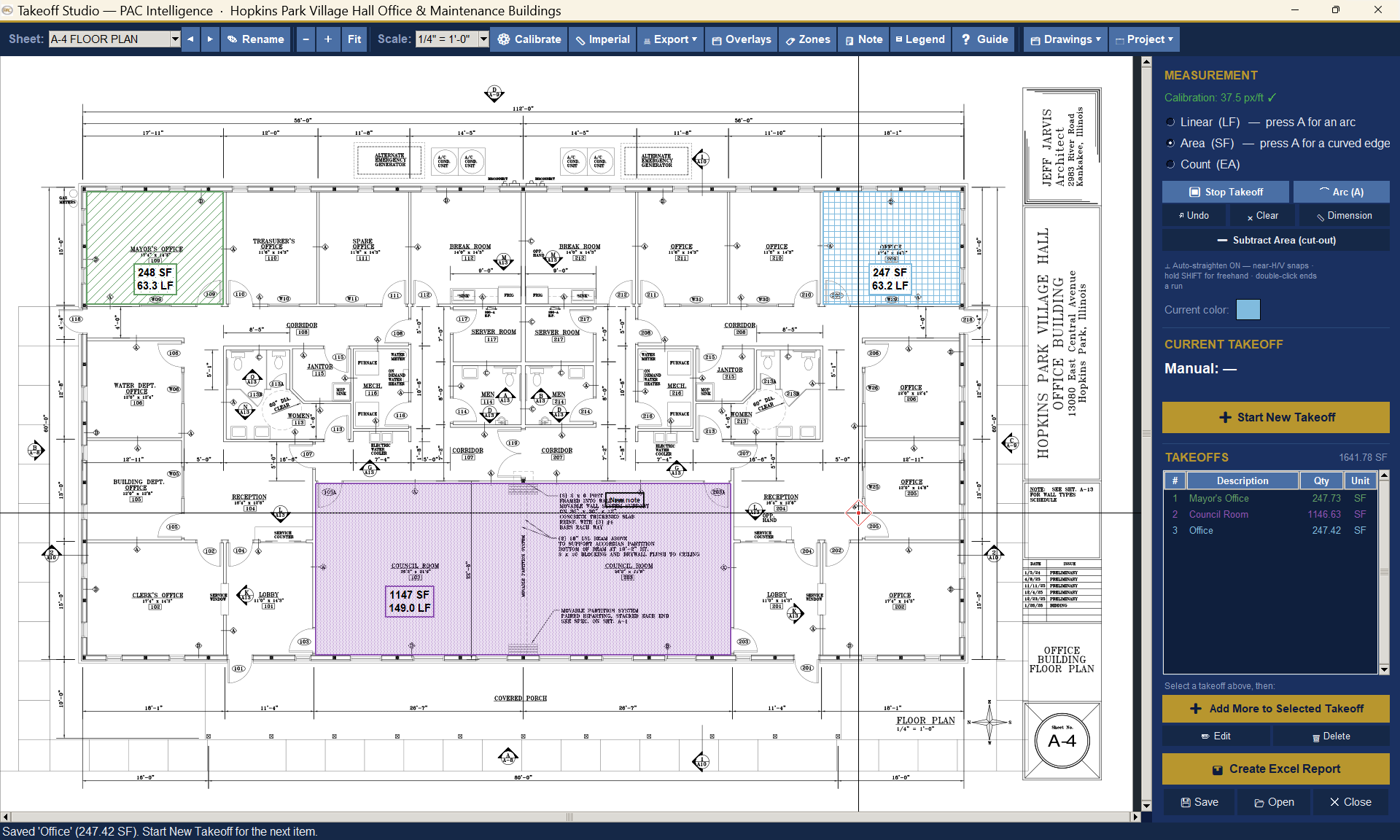
PDF drawing sets, whether they are vector files from the architect or scans of paper. You set the scale sheet by sheet, so a mixed or marked-up set is no problem.
How is this different from the big subscription packages?
Those are capable tools, and nearly all of them now bill annually and keep your work in their cloud. Takeoff Studio takes the opposite position: one payment, your own machine, your own files. It is built for the estimator who would rather own a tool than rent one.
What if I get stuck?
There is an illustrated user guide built into the app — every feature, with screenshots, on the Guide button. If that does not cover it, email info@proanalysiscorp.com.
Why should I trust a smaller company with this?
Because nothing you make with Takeoff Studio depends on us being here. Your takeoffs are files on your own disk and your quantities are standard Excel workbooks. There is no cloud account to lose access to and no export to scramble for. That is deliberate.